Toolchain, agents & governed execution
Explore the source-backed roles for discovery, building, agents, verification, delivery and continuous improvement.
These are reusable roles and implementation surfaces. Products may provide or use several; each connection states its evidence and scope.
Explore this layer as a graph ↗Discover & author
3 roles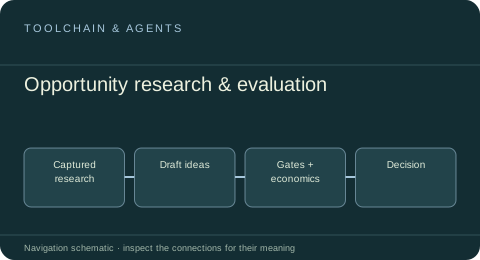 Toolchain & agents
Opportunity research & evaluation
Develop and compare company ideas using captured research, explicit evidence, hard gates, economics and portfolio decisions.
Inspected reusable source · host qualification separateExplore the service role ↗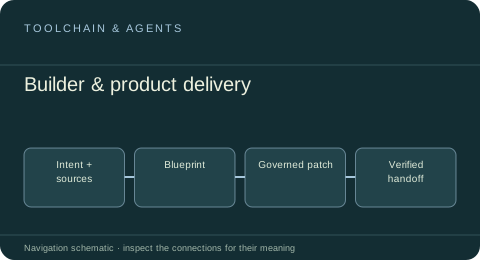 Toolchain & agents
Builder & product delivery
Turn product intent and source material into blueprints, implementation plans, controlled candidate changes and handoff evidence.
Inspected reusable source · host qualification separateExplore the service role ↗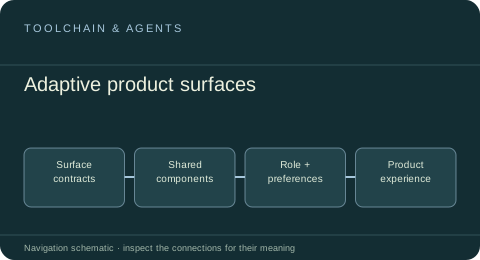 Toolchain & agents
Adaptive product surfaces
Compose product-owned marketing and application experiences from shared design packs, surface contracts, role-aware layouts and bounded personalization.
Inspected reusable source · host qualification separateExplore the service role ↗Execute & deliver
4 roles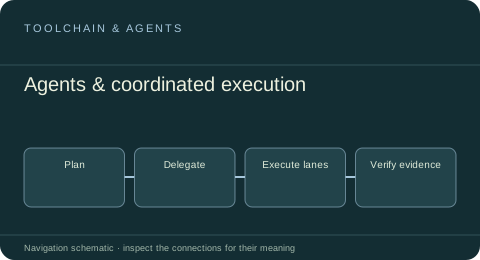 Toolchain & agents
Agents & coordinated execution
Compose agent sessions, tools, worker fleets and execution lanes with bounded delegation, checkpoints and evidence.
Inspected reusable source · host qualification separateExplore the service role ↗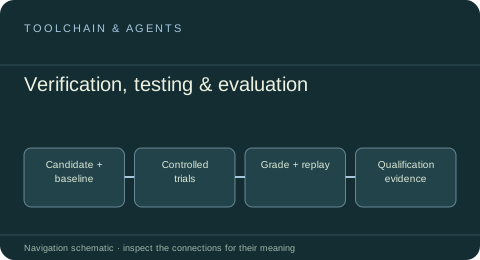 Toolchain & agents
Verification, testing & evaluation
Evaluate software and agent candidates with controlled harnesses, quality plans, graders, replay artifacts and explicit release evidence.
Inspected reusable source · host qualification separateExplore the service role ↗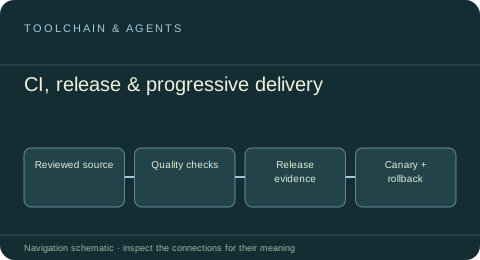 Toolchain & agents
CI, release & progressive delivery
Execute reviewed quality plans, collect build evidence, coordinate release checkpoints and support bounded rollout and rollback.
Inspected reusable source · host qualification separateExplore the service role ↗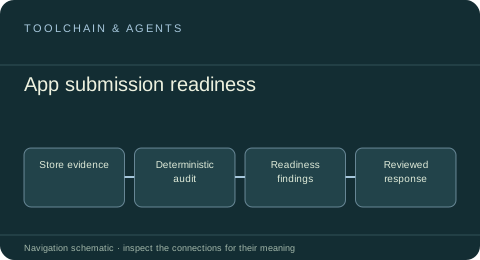 Toolchain & agents
App submission readiness
ReviewReady audits supplied mobile-store evidence into reviewable readiness findings and rejection-response preparation.
Inspected reusable source · host qualification separateExplore the service role ↗Operate & improve
2 roles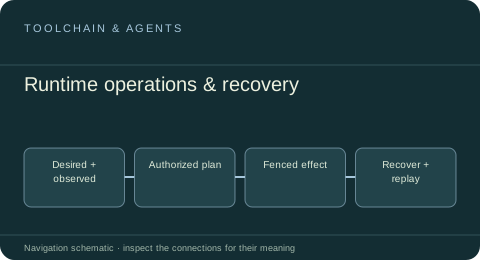 Toolchain & agents
Runtime operations & recovery
Plan and execute qualified infrastructure changes, observe drift and retain exact receipts for reconciliation, recovery and rollback.
Inspected reusable source · host qualification separateExplore the service role ↗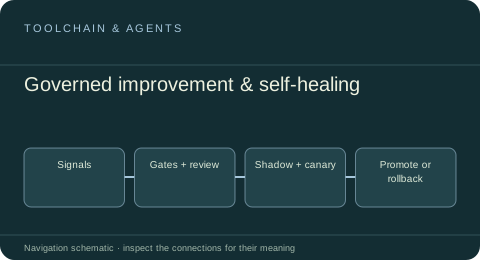 Toolchain & agents
Governed improvement & self-healing
Turn operational signals into scoped candidates, independent evaluations, controlled canaries, observed promotion and recoverable rollback.
Inspected reusable source · host qualification separateExplore the service role ↗Governance & authority
1 roles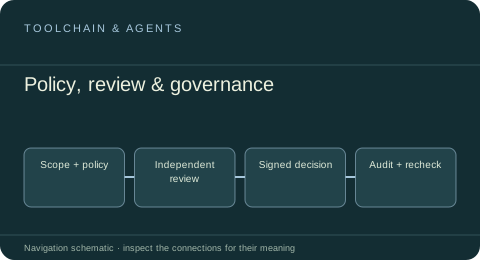
Understand.
Build. Operate. Improve.
Follow the shared services underneath the products, from useful evidence to governed execution. Each role connects its source, scope and related work.
Explore the complete package map ↗Shared entities, social signals, temporal context and governed exchange.
Explore data services ↗02 / INFRASTRUCTUREReusable systems beneath the work.Email with MailPatio, a proposed phone channel with PhonePatio, communication, billing and operating services.
Explore infrastructure ↗03 / TOOLCHAIN & AGENTSFrom an idea to a system that improves.Opportunity evaluation, builders, agents, verification, delivery, recovery and governance.
Explore the toolchain ↗