Infrastructure across the ecosystem
Reusable communication, commercial, identity and operating services beneath focused products.
Named infrastructure products sit alongside the reusable roles they provide or use. Each product and connection states its implementation, availability and scope.
Explore this layer as a graph ↗Patio channel products
5 productsPart of Patio, the shared infrastructure & data foundation ↗. Each product retains its own availability and source scope.
MailPatio
Embedded email infrastructure for dedicated addresses, workflow-linked messages and explicit application access. Its public website explains the proposed model with a fictional interactive example; live mailbox service and production intake remain disabled.
Website published · mailbox service in developmentEXPLORE THE PRODUCT ↗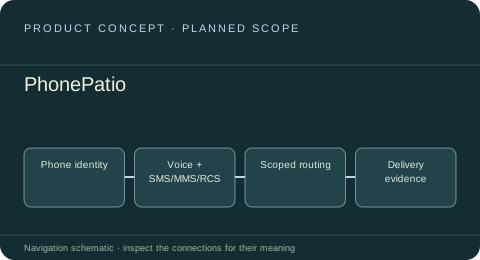 INFRASTRUCTURE PRODUCT
PhonePatio
A proposed channel product for dedicated numbers, inbound and outbound voice, SMS, MMS and RCS. PhonePatio and TelPatio remain alternative names for this one telephony scope; carrier support and service implementation are to establish.
Product concept · phone service not establishedEXPLORE THE PRODUCT ↗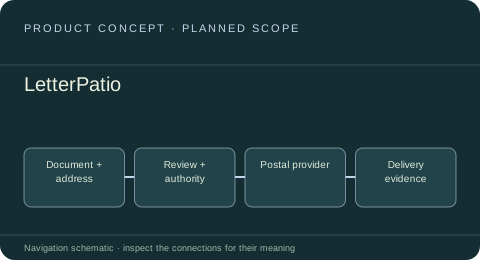 INFRASTRUCTURE PRODUCT
LetterPatio
A proposed boundary for physical letters, print-and-post workflows and delivery evidence, with formal digital correspondence connected to its own governed services.
Product concept · implementation and public destination to establishEXPLORE THE PRODUCT ↗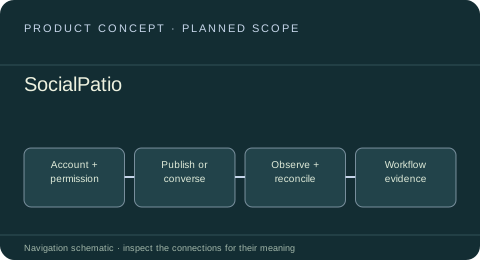 INFRASTRUCTURE PRODUCT
SocialPatio
A proposed service boundary for social accounts, publishing, comments, permission-dependent direct messages and evidence-aware listening. Shared source building blocks exist; the branded service remains to establish.
Product concept · implementation and public destination to establishEXPLORE THE PRODUCT ↗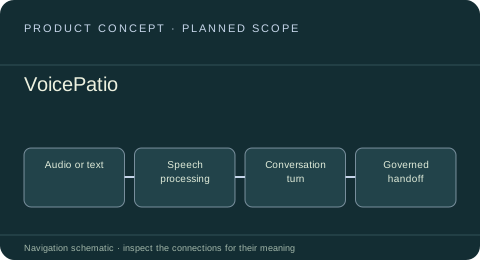 INFRASTRUCTURE PRODUCT
VoicePatio
A proposed experience for transcription, speech generation and voice-agent conversations, composed from bounded shared voice capabilities rather than a phone-number or carrier service.
Product concept · implementation and public destination to establishEXPLORE THE PRODUCT ↗Channel identities & delivery
4 roles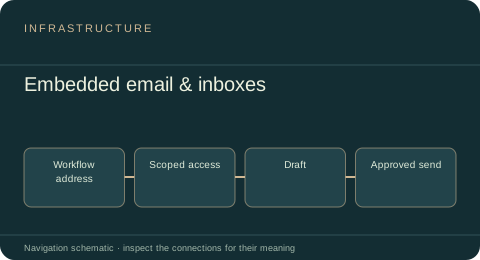 INFRASTRUCTURE ROLE
Embedded email & inboxes
Dedicated workflow correspondence and scoped read, draft and send access, represented by the MailPatio product direction.
Product direction · service not implementedExplore the service role ↗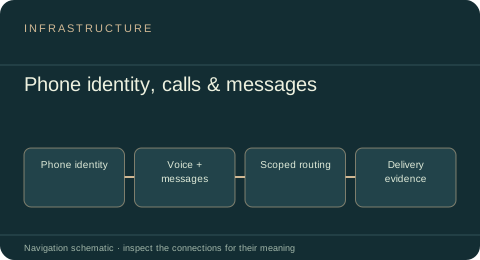 INFRASTRUCTURE ROLE
Phone identity, calls & messages
A proposed phone identity, voice, SMS, MMS and RCS boundary, subject to provider/carrier support and qualified host integration.
Product concept · phone service not establishedExplore the service role ↗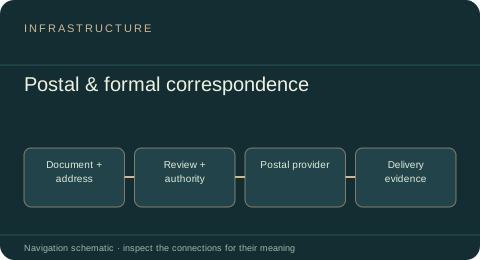 INFRASTRUCTURE ROLE
Postal & formal correspondence
A proposed service boundary for physical letters, print/post handoffs, address preparation and explicit delivery evidence.
Proposed channel role · implementation to establishExplore the service role ↗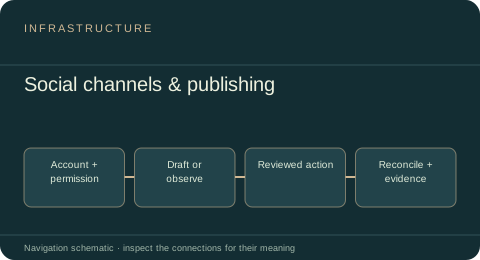 INFRASTRUCTURE ROLE
Social channels & publishing
Reusable social publishing and scheduling source, scoped analytics and restricted messaging contracts; the SocialPatio product remains a concept.
Inspected reusable source · host qualification separateExplore the service role ↗Messaging, notifications & live
5 roles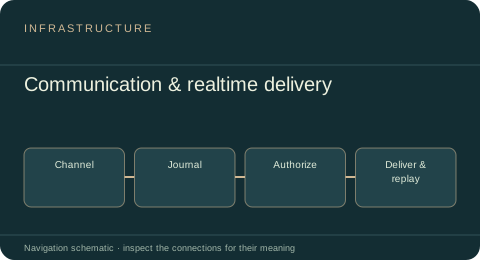 INFRASTRUCTURE ROLE
Communication & realtime delivery
Messaging journals, channel adapters, durable outboxes and ticketed realtime delivery across communication experiences.
Inspected source · host qualification separateExplore the service role ↗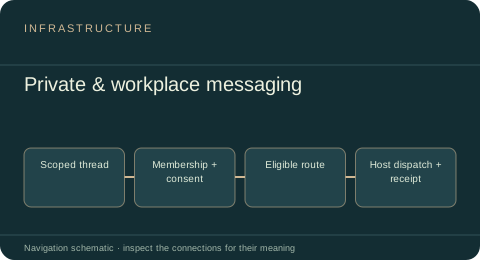 INFRASTRUCTURE ROLE
Private & workplace messaging
Canonical threads, identities, revocable grants and routing for private and workplace channels, composed through host-owned adapters.
Inspected reusable source · host qualification separateExplore the service role ↗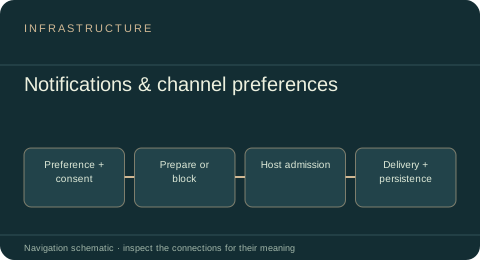 INFRASTRUCTURE ROLE
Notifications & channel preferences
Reusable notification preparation, scope-bound preferences, consent and channel wrappers for in-app, web and mobile delivery boundaries.
Inspected reusable source · host qualification separateExplore the service role ↗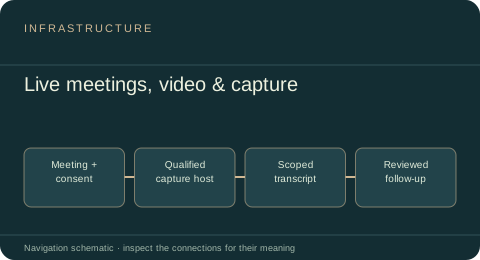 INFRASTRUCTURE ROLE
Live meetings, video & capture
Meeting-capture contracts and provider-neutral meeting orchestration with explicit participation, recording consent and governed follow-up boundaries.
Inspected reusable source · host qualification separateExplore the service role ↗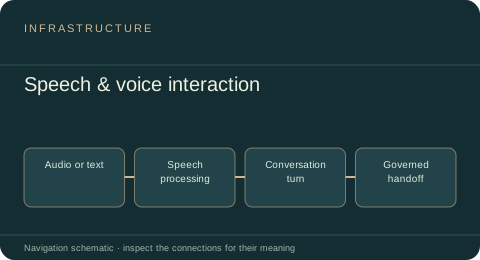 INFRASTRUCTURE ROLE
Speech & voice interaction
Reusable TTS, STT, transcript/turn orchestration and streaming-compatible audio interfaces; VoicePatio remains a proposed branded experience.
Inspected reusable source · host qualification separateExplore the service role ↗Billing & cost controls
2 roles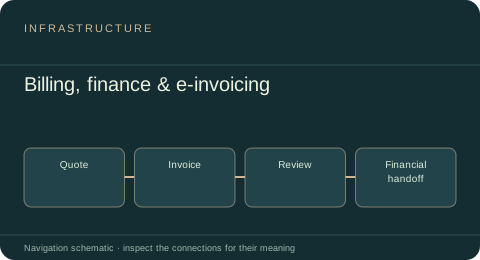 INFRASTRUCTURE ROLE
Billing, finance & e-invoicing
Quote-to-cash, financial review and exact-money handoffs, with optional France-specific invoice readiness and Factur-X generation.
Inspected source · host qualification separateExplore the service role ↗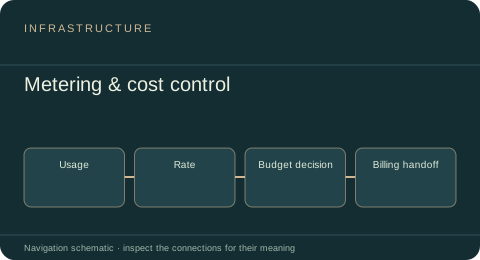 INFRASTRUCTURE ROLE
Metering & cost control
Reusable usage aggregation, exact cost calculations, budget decisions and billing-facing economic references.
Inspected source · host qualification separateExplore the service role ↗Runtime & collaboration
3 roles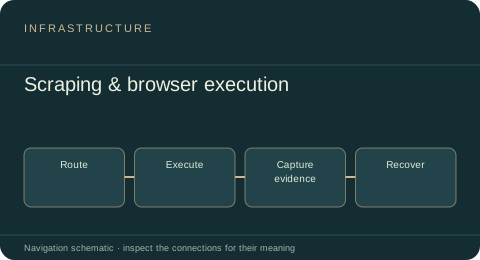 INFRASTRUCTURE ROLE
Scraping & browser execution
Governed provider routing for web requests, browser sessions, proxies, collection jobs and acquisition recovery.
Inspected source · host qualification separateExplore the service role ↗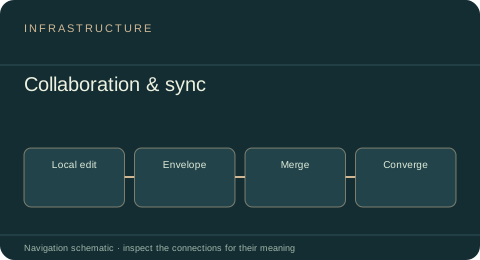 INFRASTRUCTURE ROLE
Collaboration & sync
Protocol-neutral realtime and collaboration envelopes, convergence semantics, presence and an ephemeral WebSocket proof.
Reference implementation / proof · hosted service unverifiedExplore the service role ↗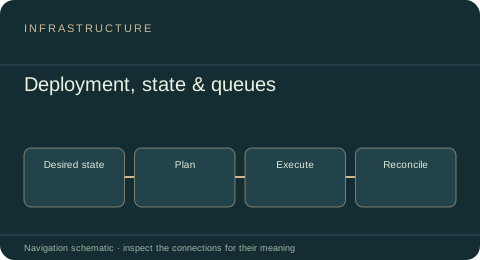 INFRASTRUCTURE ROLE
Deployment, state & queues
Plan and operate runtime components with provider-neutral state, queues, caches, recovery and evidence-bound execution.
Inspected source · host qualification separateExplore the service role ↗Identity & authority
1 roles
Work, scheduling & support
3 roles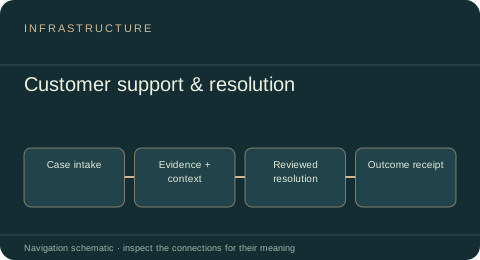 INFRASTRUCTURE ROLE
Customer support & resolution
Reusable SupportOS case intake, operator inbox, governed assistance, resolution workflows and durable support workers.
Inspected reusable source · host qualification separateExplore the service role ↗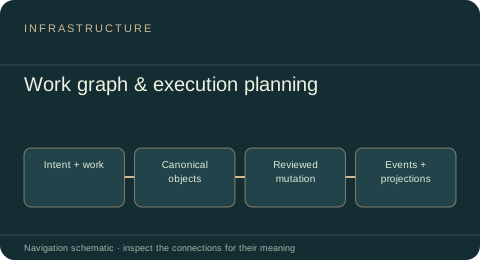 INFRASTRUCTURE ROLE
Work graph & execution planning
Canonical WorkOS tasks, projects, strategy, immutable events, recurrence and governed synchronization that products can compose.
Inspected reusable source · host qualification separateExplore the service role ↗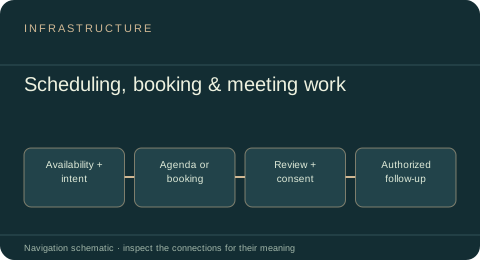 INFRASTRUCTURE ROLE
Scheduling, booking & meeting work
OPA planning, booking, agendas, governed meeting intelligence and approved follow-up work across product hosts.
Inspected reusable source · host qualification separateExplore the service role ↗Content, growth & intake
3 roles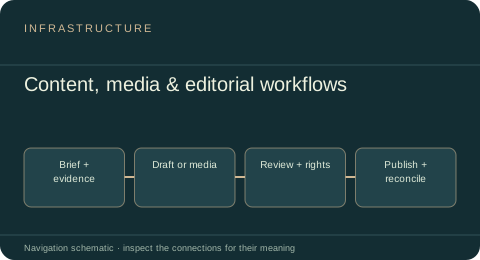 INFRASTRUCTURE ROLE
Content, media & editorial workflows
Composable text, image, video and analysis boundaries with immutable revisions, review, publication and rights-aware recovery.
Inspected reusable source · host qualification separateExplore the service role ↗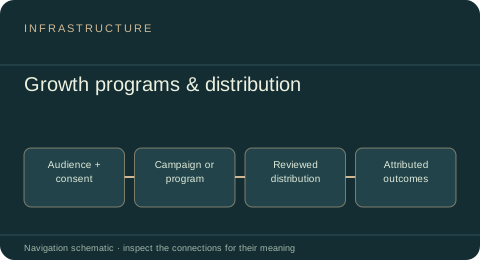 INFRASTRUCTURE ROLE
Growth programs & distribution
GrowthOS referrals, affiliates, reviewed marketing, social publishing, advertising execution and evidence-aware outcome measurement.
Inspected reusable source · host qualification separateExplore the service role ↗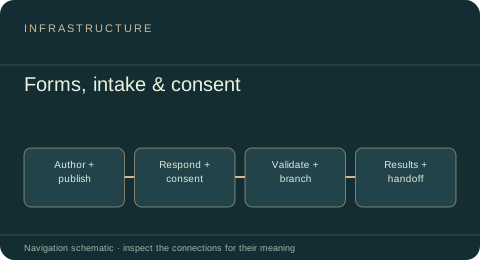 INFRASTRUCTURE ROLE
Forms, intake & consent
Portable authoring and respondent flows with immutable publication, branching, resumable responses, assurance and scoped analysis.
Inspected reusable source · host qualification separateExplore the service role ↗Personal life & learning
3 roles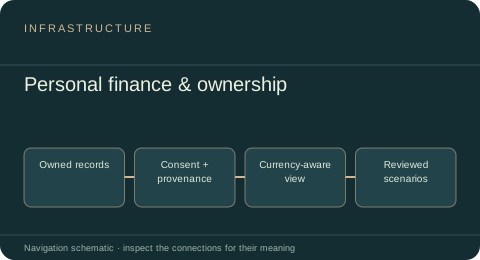 INFRASTRUCTURE ROLE
Personal finance & ownership
Subject-owned wealth, cash-flow, budget, obligation and scenario records for a private PersonalOS finance overview.
Inspected reusable source · host qualification separateExplore the service role ↗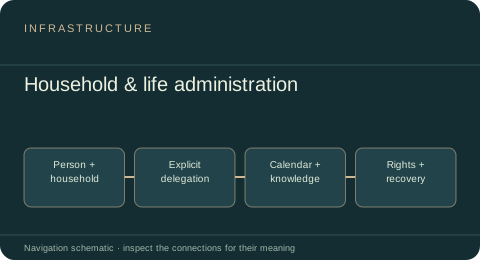 INFRASTRUCTURE ROLE
Household & life administration
PersonalOS household membership, purpose-limited delegation, calendar and file references, reminders, recovery and portable data rights.
Inspected reusable source · host qualification separateExplore the service role ↗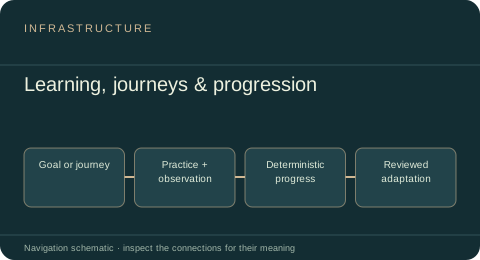 INFRASTRUCTURE ROLE
Learning, journeys & progression
Shared onboarding, drills, coaching, learning journeys and deterministic cadence, streak, quest and progression mechanics.
Inspected reusable source · host qualification separateExplore the service role ↗Understand.
Build. Operate. Improve.
Follow the shared services underneath the products, from useful evidence to governed execution. Each role connects its source, scope and related work.
Explore the complete package map ↗Shared entities, social signals, temporal context and governed exchange.
Explore data services ↗02 / INFRASTRUCTUREReusable systems beneath the work.Email with MailPatio, a proposed phone channel with PhonePatio, communication, billing and operating services.
Explore infrastructure ↗03 / TOOLCHAIN & AGENTSFrom an idea to a system that improves.Opportunity evaluation, builders, agents, verification, delivery, recovery and governance.
Explore the toolchain ↗